
Updating the WAZER Desktop Firmware & Config File
WAZER was designed to allow for easy updating. Firmware updates will include new features, bug fixes, and stability enhancements. The Config file records the parameters of the WAZER.
Both Firmware and Config files needs to be loaded on to a FAT-32 formatted microSD card. Please download and update the Firmware and Config files at the same time.
This page contains firmware for the WAZER Desktop Machine. Check your main unit construction before downloading the correct firmware.
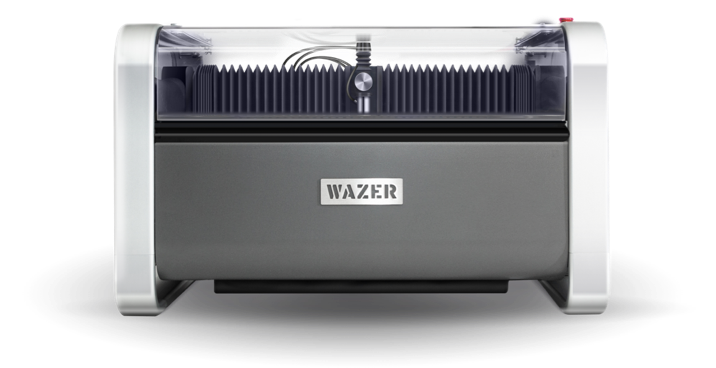

Desktop Firmware V2.32 ( For Main Unit without a HP Valve)
This Firmware is incompatible with Main Unit that incorporates HP valve. “Backflow Detected“ error message will show up constantly if used.
Desktop Firmware V2.30 (For Main Unit with a HP Valve)
If your Main Unit has one HP valve in the stated location, you must use this firmware.