Ideation to Cut
Want to make something but do not know how to start? Not sure how to convert your idea into something that can be built with WAZER cut parts? Build your ideation to design toolbox up by educating yourself on 2D CAD design and cut file preparation.
2D Subtractive Fabrication Background
In this section we shall cover some background information of the 2D Subtractive Fabrication system, the keywords used in water jet industries and how WAZER cut sequence takes place

This is an explanation and dissection of the WAZER G-code structure so that you can understand how WAZER is interpreting the series of commands that WAM generates. These are all critical for your WAZER to function correctly and safely
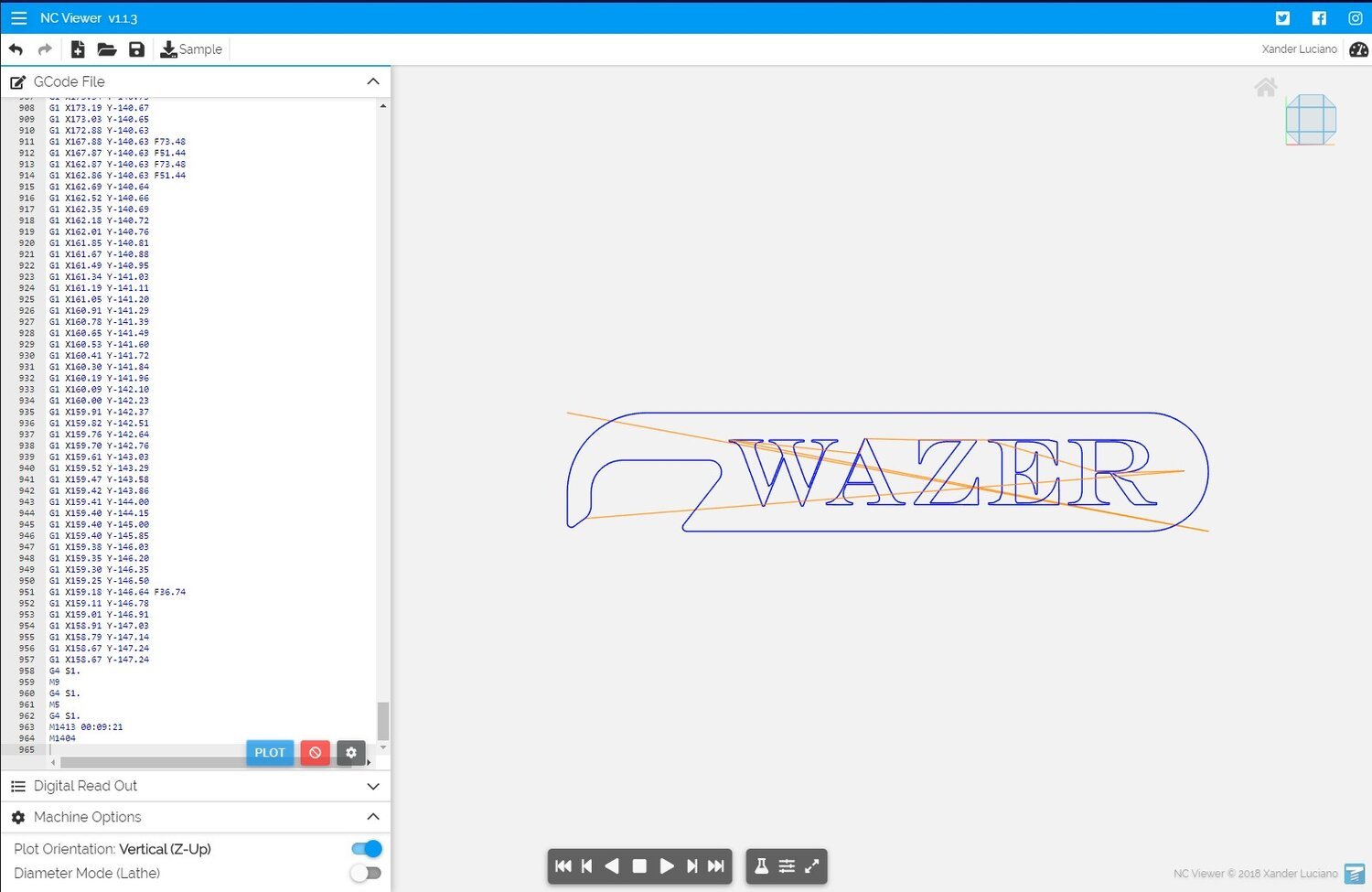
The WAZER team regularly uses this method to see how the material is to be cut by the WAZER. It can help you understand the order parts will be cut out and the path that the machine will take

If you are into precision fabrication, it is helpful to predict what the kerf might be on the material of choice. This guide teaches you how to measure the kerf with common available measuring tool

This guide explains the differences in cut paths and help you to select the best cut path for your particular cut job.
Material Preparation
Not all materials responds to the water jet cutting in the same way. Check in here for articles on how different materials behaves in WAZER, and how to make custom material library.

This tutorial will give you some insights into what we have learned about cutting various materials and thicknesses, tricks and reminders to make everything from sourcing material to fixturing more efficient.
Design Program and WAM Operation
We all have the design tools we like and accustomed to, but how to convert our design into a cut file WAZER can understand? Check in here to learn how to prepare cut files that WAZER can execute for us.

This articles formalized several term that usually used in a cut project, and also list out all the steps needed from conceptualization to final cut execution.

This tutorial will walk you through converting the edges in an image into vector paths which you can then cut. We use a free Photoshop type program called Gimp to do this. You can accomplish the same process with other software in much the same way.

The WAZER team regularly update this page to reflect the operation procedure of the most commonly used CAD software.
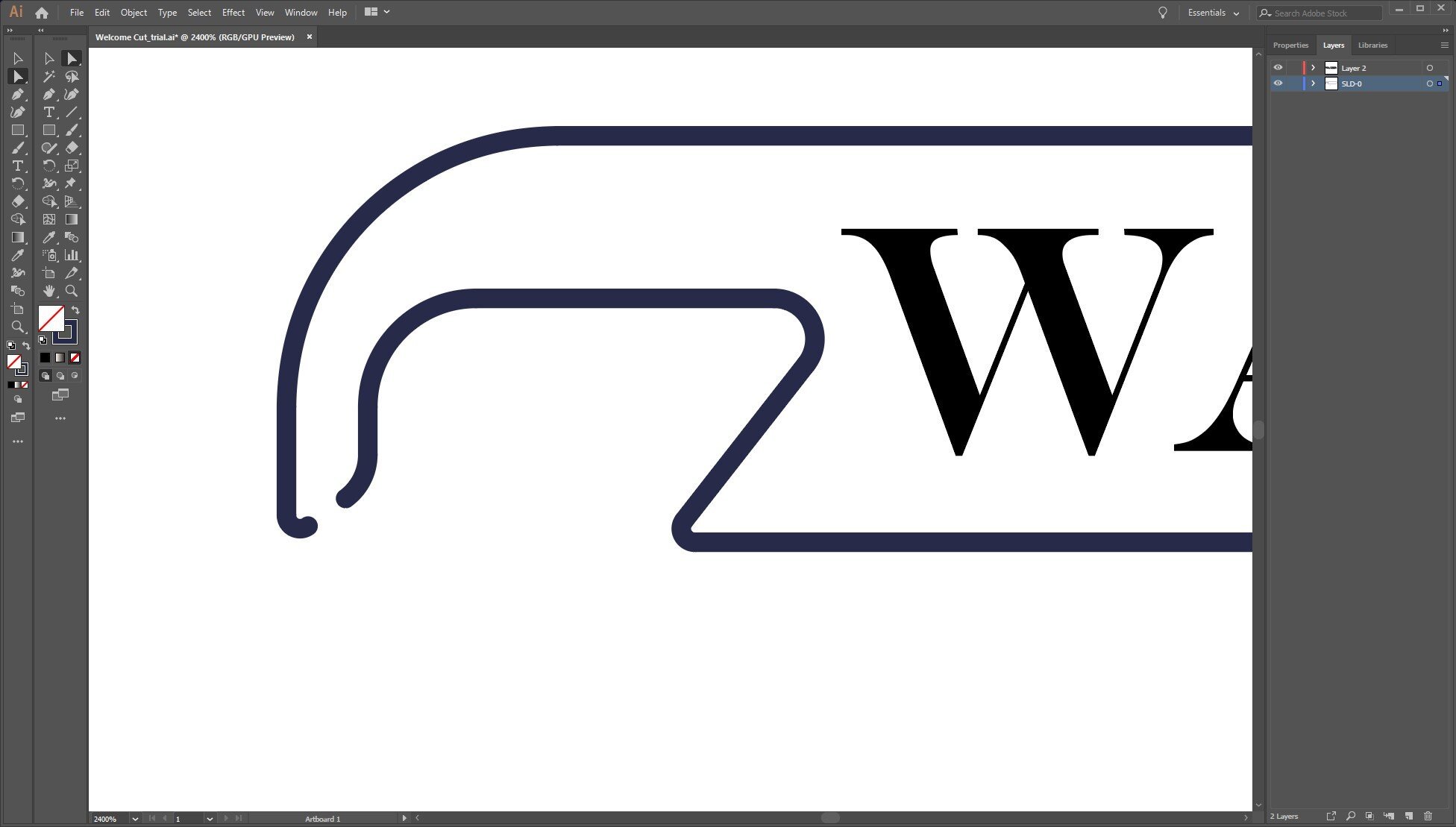

This guide will teach you how to accurately cut internal feature in a stock material that has existing shape you want to keep.

This guide teaches you how to set the overall size and orientation of the cut profile in WAM.

This guide will teach you how to prepare the DXF and SVG files, and how to manipulate the cut features in WAM as you expect.

This guide teaches what cutting parameters go into one material setting, and how to edit them
This guide explains the differences in cut paths and help you to select the best cut path for your particular cut job.
Machine Preparation
WAZER is a machine that coordinate multiple subsystems to achieve the cutting. It is always easier and safer to check subsystems before cutting starts, than address the problems during the cutting. Check this section for in-depth breakdown of the subsystems, machine menu explanation and recommended pre-checks.
Tips and Tricks
We all like to see design software, machine and materials work with us during a cut job. However, there are times we need to employ some tricks to make sure all three players cooperate with each other. Check in here for a ever expanding collection of tip and tricks.