Troubleshooting
Like any machine WAZER will occasionally have issues. Explore common problems and their solutions.
Powering Up & Turning on the Machine
This section will help you diagnose problems with your WAZER not turning on, intermittent power, or issues with tripping breakers.
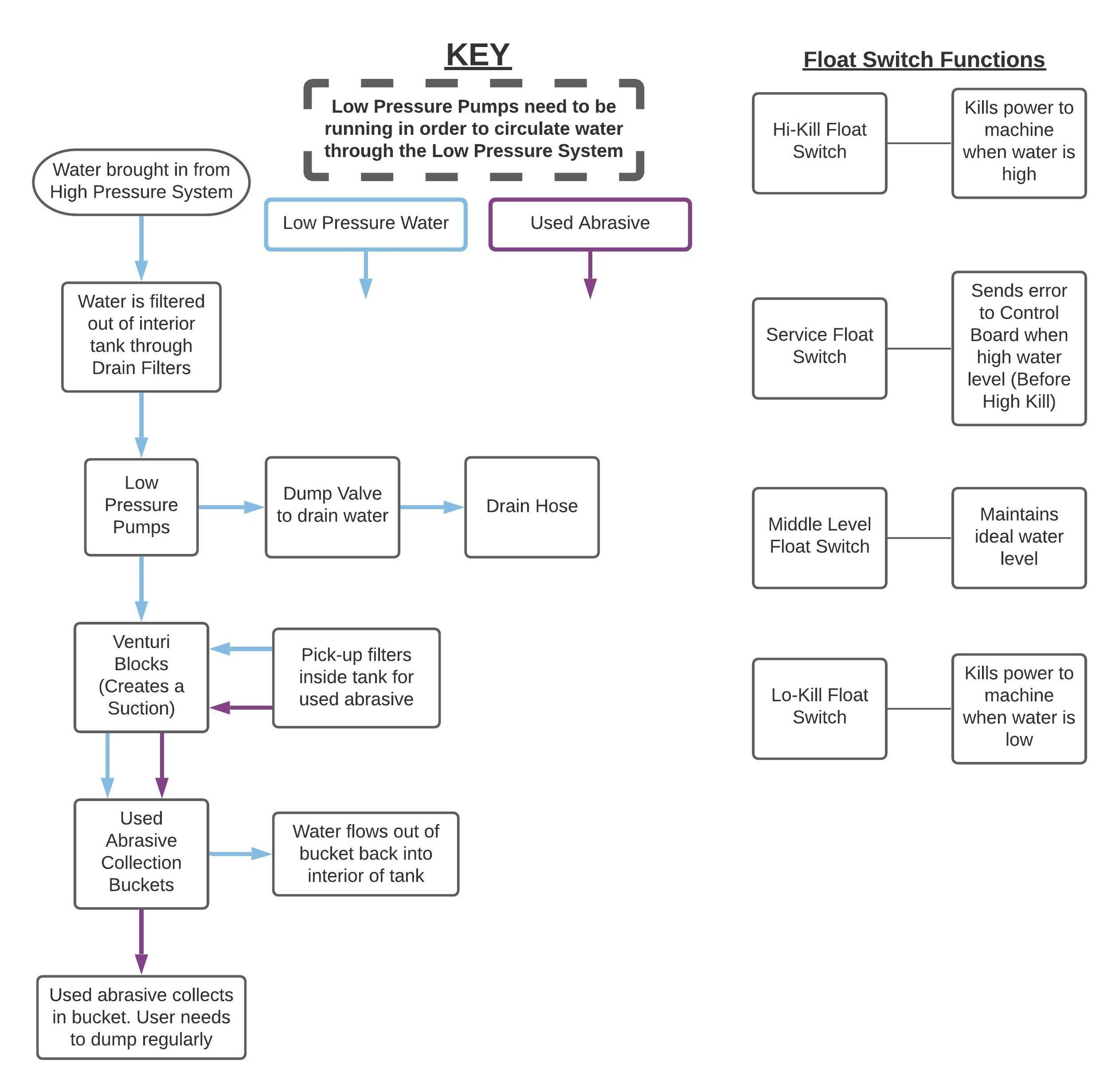
WAZER is constantly monitoring the water level. However, if the water level gets too high at any point, a safety shutoff switch will activate to prevent the Tank from overflowing.
WAZER is constantly monitoring the water level. However, if the water level gets too low at any point, a safety shutoff switch will activate to prevent the Tank from getting damaged by the jet. If you hear WAZER abruptly shut off, or if it powers down in the middle of a Cut follow thisguide
This guide is for when you are having power problems with your WAZER one of the and you are seeing the lights out on your GFCI cord or hear a buzzing coming from the unit.
WAZER is constantly monitoring the water level. In most cases, WAZER shuts off when the water level is too high or too low. But sometimes it can shut off when water level is normal. If you hear WAZER abruptly shut off, or if it powers down in the middle of a Cut follow this guide
Error Messages
An overview of Control Panel servicing or error messages you may encounter while running your WAZER. This section will help you diagnose the problem when you see an error message.

WAZER indirectly measures the rate at which water is drained to alert you when the Drain Filters are clogging. If you see this message, it is likely that you need to clean your Drain Filters.

If you are running a Cut File from a SD Card, WAZER will alert you if it ever loses connection with the file that it is reading from.

WAZER is constantly monitoring the water level. However, if the water level gets too high at any point, a safety shutoff switch will activate to prevent the Tank from overflowing.

When preparing your WAZER to cut it may display the error “Incorrect or Wrong Wam Version”. While it might actually be that the file was generated with an outdated version of the software, it can also indicate that there is a problem with either the full sized or micro sd card.

Similar to the way WAZER monitors your water drain rate, a timer is constantly monitoring the water level in your Tank. If it realizes that the water level is low, it will alert you.
There is a bug that was just discovered where old versions of the Welcome cut files can cause the controller to freeze early in the cut when the controller is updated to the newest firmware
Cut Performance
This section will help you diagnose the problem and point you to solutions for when your WAZER isn’t cutting like you would expect it to.

No Material is being removed while WAZER is cutting. This could either look like a light sanding of the Material in the area that was supposed to cut or no cutting or marking whatsoever. You may also see water spraying everywhere as the Jet exits the Nozzle and sprays off of the Material.
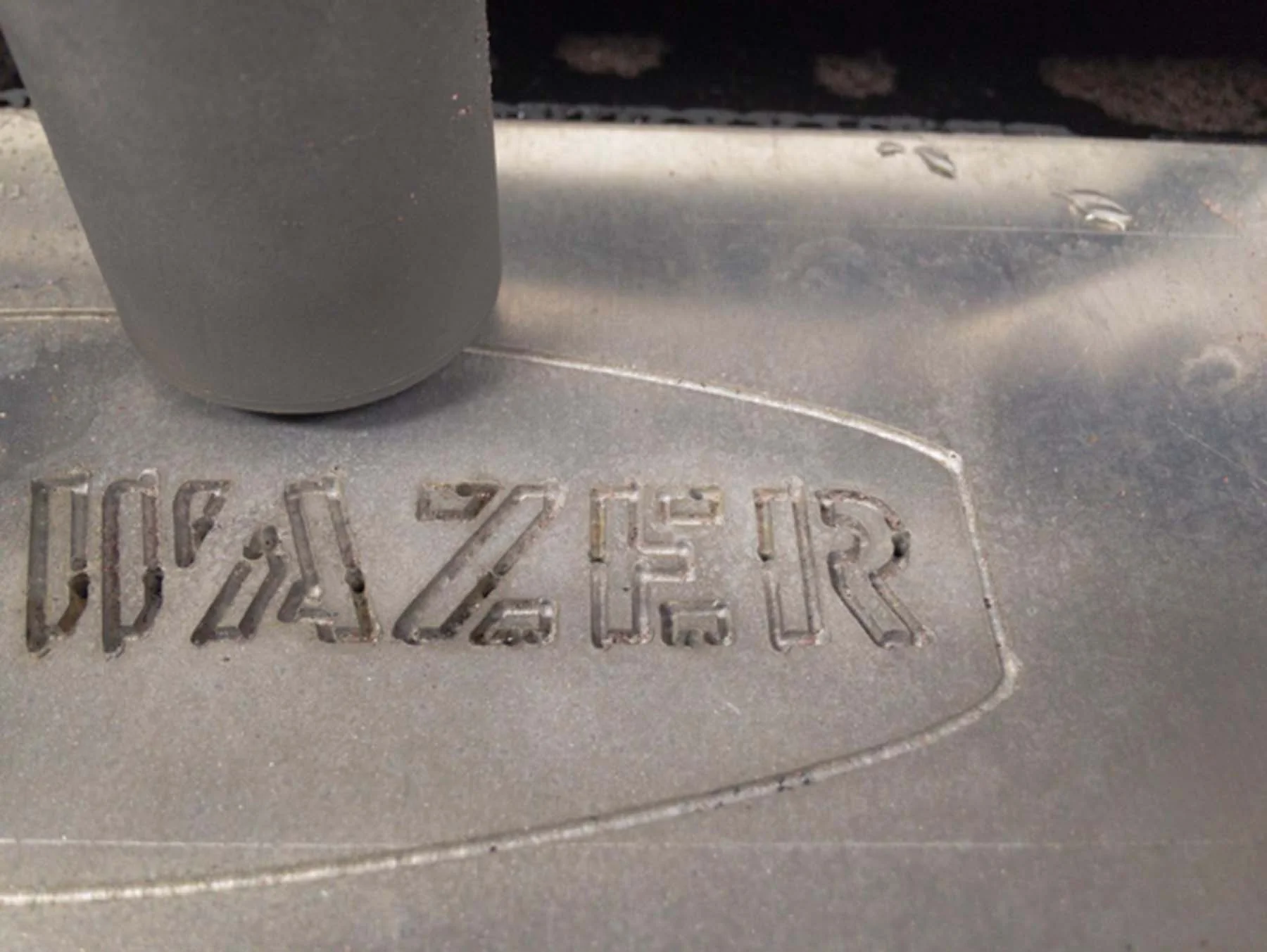
Partial Cutting occurs when WAZER partially cuts through your Material, but it fails to fully cut through. You will also see a directed water spray in the direction opposite of the Gantry motion.
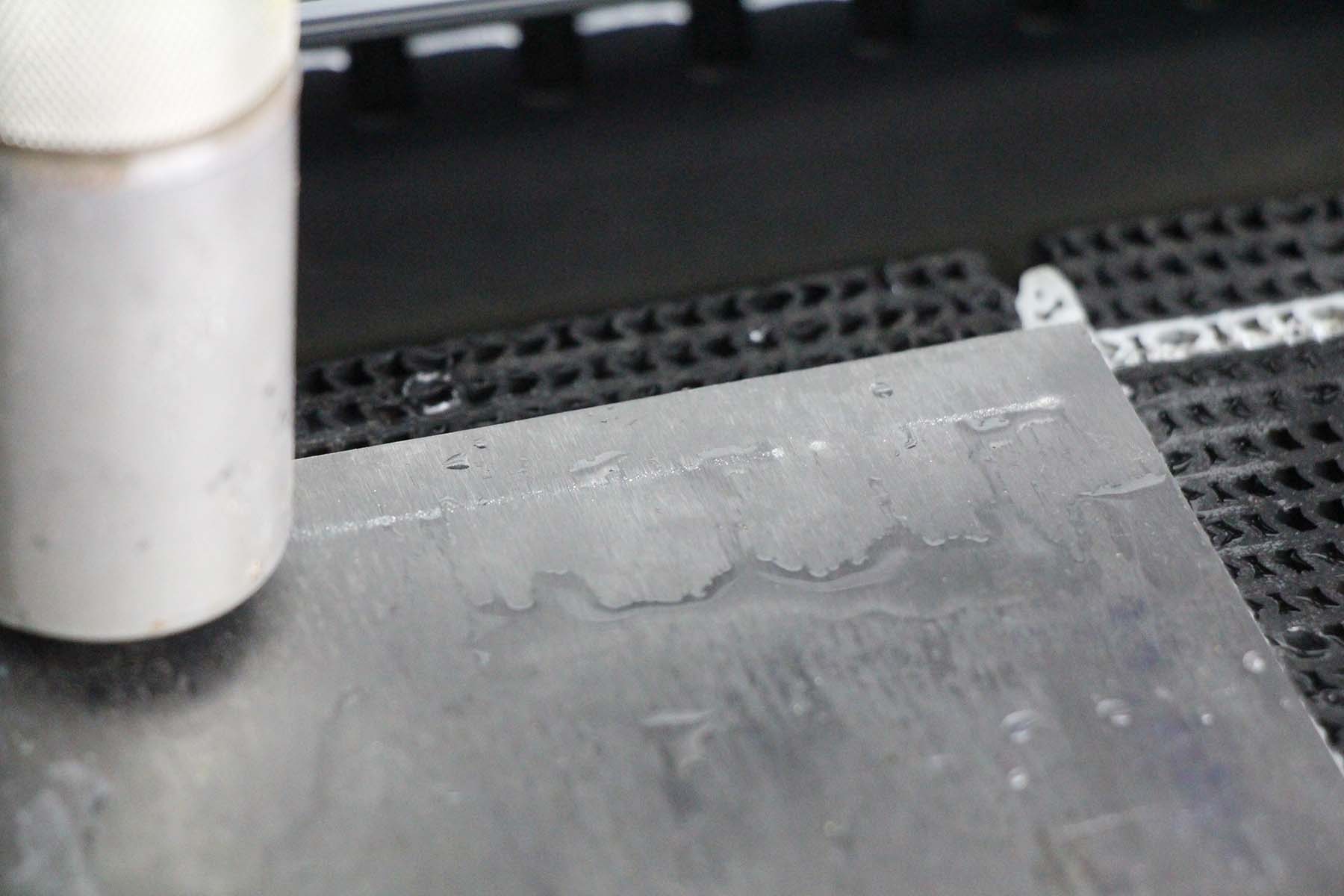
An unsuccessful cut can come from a variety of different reason in multiple different subsystems. This guide will walk-through how to find what is specifically not working and point to the resource for how to fix the underling problem.
Sometime you will hear a particularly loud noise coming from the abrasive hopper. It can be a simple as a lack of abrasive all the way to needing to change a part. This guide will walk through diagnosing what is wrong.
If the sound of the vibration motor is a higher pitch and louder than usual it could be the indication of a problem. This guide will help you get to the bottom of this
Follow this guide if you noticed a sudden change in the cutting sound during a cut and the Wazer stop cutting through the material
Sometime you will hear a particularly loud noise coming from the abrasive hopper. It can be a simple as a lack of abrasive all the way to needing to change a part. This guide will walk through diagnosing what is wrong.
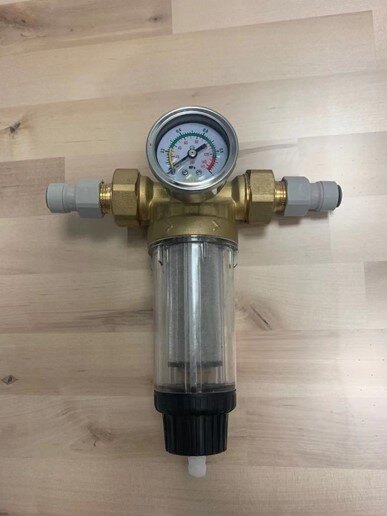
If you find that after a backflow or a abrasive clog, you get another immediately or even shortly after, the situation indicates that you have other problems waiting to be solved. There are two likely root causes.
Leaks
This section will help you when there are leaks from your machine. How to find the source of the leak and how to either fix or replace the part causing the problem.
Water may spill out of the fitting that is located at the bottom of the Abrasive Hopper.
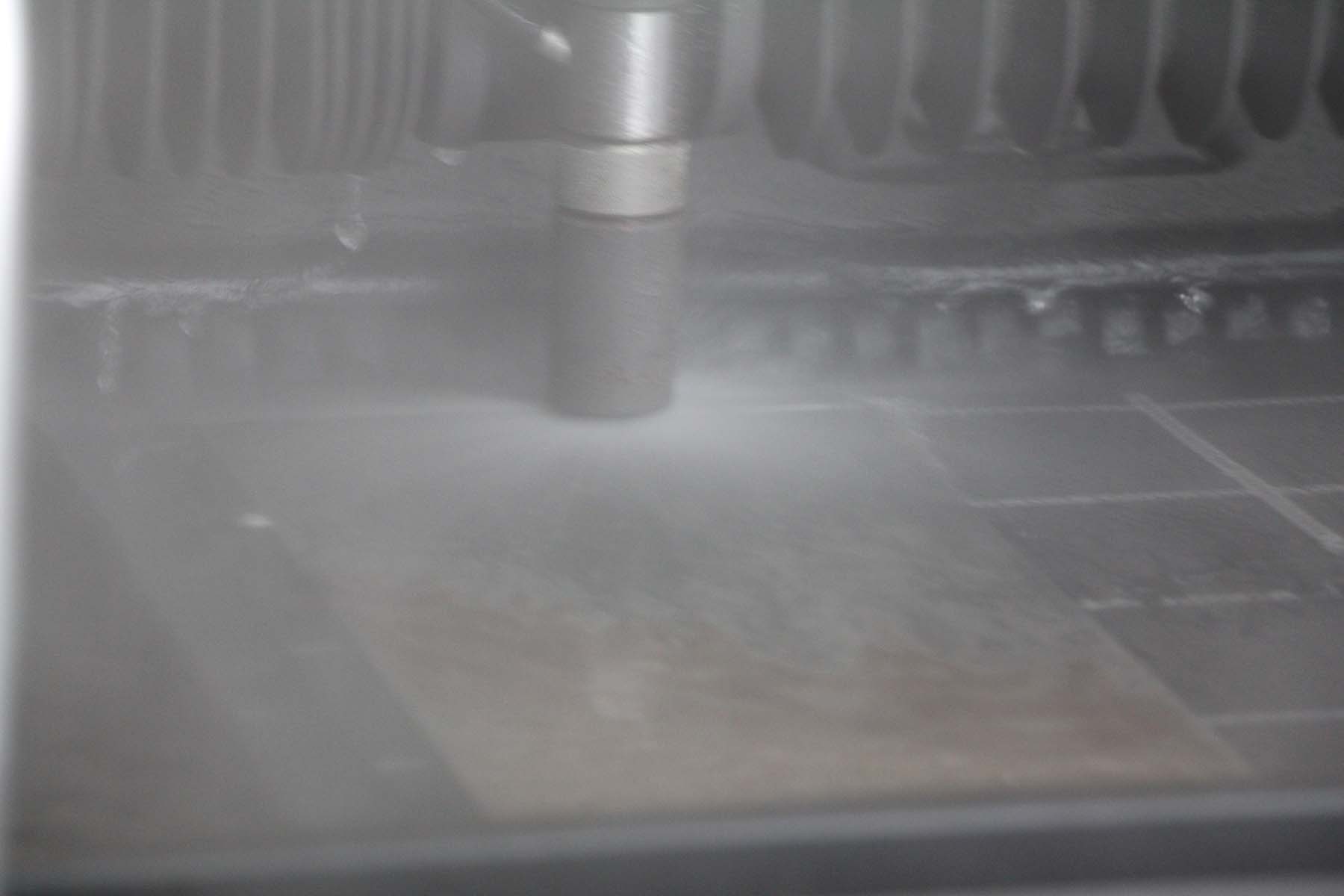
When this issue occurs, you will notice water leaking from the High-Pressure Connection on the back of the Pump Box or WAZER.
If you see water under the main unit tank there are a number of places it could be coming from. This guide will help you systematically work through all the places that may be the root cause of the leak.
Water under the pump box can indicate a number of things about the system. It can be everything from a simple problem to a sign it is time for a pump box rebuild.
Used Abrasive Collection
One of the most convenient features of WAZER is that it removes the Used Abrasive from the tank. The system will require some regular maintenance to keep it running smoothly. When things aren’t working as expected this section will help you diagnose what is not working and point you to resources to get things running smoothly.

Weak abrasive flow can be a symptom of a few different problems. Not only does it make it harder to get spent abrasive out of your machine it can also affect the smooth running of your WAZER.

The situation can exist where you see a strong flow of water out of the Used Abrasive Grommets but there is no abrasive in the stream. This could just be a simple fix, or it could be indicative of a larger problem in your Used Abrasive system.

Abrasive can build up underneath the Abrasive Collection Buckets during normal use. This can make it difficult to get the buckets back in after disposing of Used Abrasive.
After a Cut you may notice that the amount of Used Abrasive collected in the Used Abrasive Buckets is lower than you would expect. It may be the case that after a Cut, there isn’t any Used Abrasive in the Buckets. This is not normal behavior; there are some things you can do to help improve the Used Abrasive collection of your WAZER.
Motion System
This section will help identify the root cause of your problem when you notice a problem in the way the Wazer moves the Cutting Head
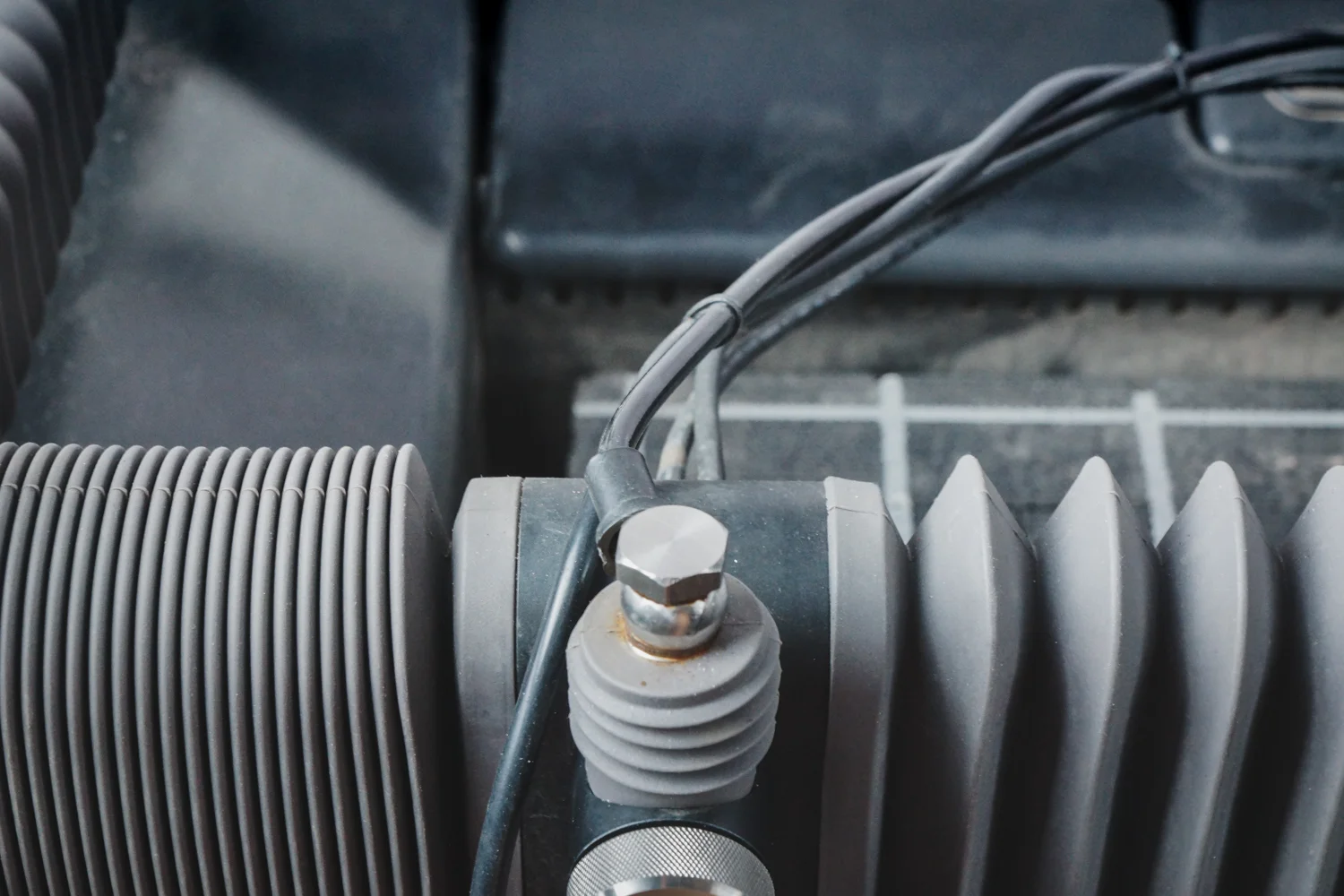
The guide will help diagnose a distorted cut result. The may look like gantry shaking or the gantry can’t reach the cutting extents.

When the cutting head returns to the back left cornet to home you may hear a loud noise from the stepper motor and see the gantry vibrating and unsuccessfully trying to drive itself into the corner. This indicates a homing problem
Water Level Management
This section will you to identify the root causes when the water level in the tank is abnormally high or abnormally low. Suggested solutions are also provided.

The middle level sensor is a vital part that participate in the water level management in the tank. If it is not representing the correct water level, or sending the correct signal to the controller, the machine will suffer from a water level management issue
System Flowcharts and Diagrams
Identify Sub-systems within the WAZER!
[WARNING] Before servicing WAZER:
Turn off or close the On/Off Valve or water supply to the machine.
Purge the high-pressure system by properly ending/completing a cut or performing a Nozzle Purge.
Turn off WAZER and disconnect AC power from WAZER and the Pump Box.
Never remove the cover of the Pump Box while it is plugged in.